5 december 2025
New

2025-12-05
NEW!Easy-peasy filters. Go to M:AI admin > Design & CSS > Layout Settings > Filter placement to move your filters with 1 click.


Go to M:AI admin > Design & CSS > Layout Settings > Custom Position Settings to offset your search window.

A new EU law called “European Accessibility Act” (EAA) has entered into force.
EAA means that a site should always be available to ALL people, regardless of disabilities such as really poor eye sight or hearing.
In Sweden alone around 15% of the entire population have some sort of disability (visual, hearing, movement, difficulty remembering) and 20% is elderly.
M:AI plattform is now EAA compliant! Supporting the Web Content Accessibility Guidelines (WCAG) international standard, including WCAG 2.0, WCAG 2.1, and WCAG 2.2.
https://www.w3.org/WAI/standards-guidelines/wcag/

Schedule a demo to see M:AI platform:
26 september 2025

2025-09-22
NEW!Today we launch a new AI product, M:AI Recommendations, that enhances product recommendations with personalized customizations. Unlike many recommendation engines that repeatedly show the same items, M:AI offers a smarter approach.
Here’s what makes the M:AI Recommendations engine stand out:
Collaboration
The M:AI Search engine and M:AI Recommendations engine work together seamlessly. They share insights from every product view, click, and visit, ensuring that each visitor enjoys the best possible experience.
AI-powered
M:AI Recommendations leverages the same advanced AI technology as M:AI Search to deliver tailored product suggestions.
Randomized results
While the most popular products tend to appear frequently, we enhance variety by randomizing the order in which we display them. This way, visitors still see top-selling items, but in a fresh and engaging format.
Intelligent product recommendation features in M:AI Recommendations:
AI: Popular right now
AI: Recommended for you
AI: Similar products
AI: Same brand or collection
AI: Randomized recommendations
AI: Trending products
Start / collection / product / cart page recommendations
Others recently looked at
You've recently looked at
Select specific brands or collections
Advanced features in M:AI Recommendations:
AI: Boost specific products, brands, collections
Recommendation filters based on price range
Variants as images, colors or buttons
All product images are displayed
Real-time product updates
Adaptable design
Up to 10 languages
More info: https://meshnordic.ai/ai-recommendations
Compare price plans: https://meshnordic.ai/pricing-compare-mai-recommendation-plans
Schedule a demo to see M:AI Recommendations:
20 augusti 2025

2025-08-20
NEW!Hyper-personalization is achieved in the M:AI platform by influencing the search results and recommended products with the visitor's recent behavior.
By incorporating Boosts, you are able to take control of the visitor's experience. Allowing you to promote specific products, collections, or brands that offer higher profit margins, feature sponsorships, or simply products that you want to sell quickly.
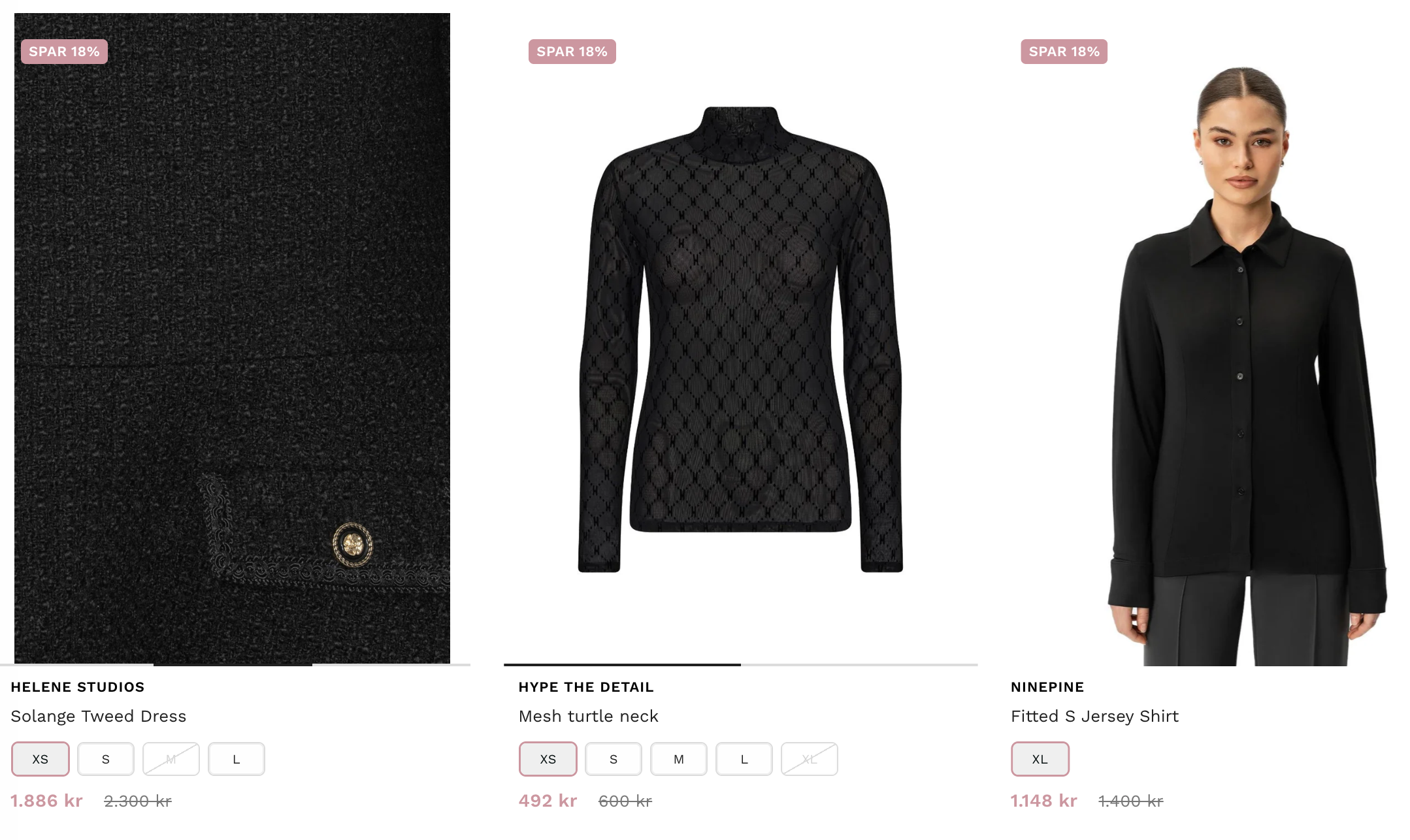
In this example, Liquid receives a boost of +10, while Hydrogen gets a -10 boost. As a result, Liquid ranks first, followed by Oxygen in second place, another product in third, and Hydrogen in last place.

In M:AI Search PREMIUM:
https://meshnordic.ai/pricing
1 juli 2025

Currently, metafields are exclusively supported on Shopify's platform. In WooCommerce, the equivalent feature is product attributes. We aim to introduce this functionality in Q4 of 2025.
2025-07-01
NEW!
All product metafields from Shopify are now automatically imported to M:AI Search with name, description and type.

Feel free to add as many languages as you wish and adjust the layout to your preference:


Customize them to your preference:

In this example, we have two metafields: Snowboard Length and Snowboard Binding Mount. One is configured as "Checkboxes," while the other is set as a "Button." You can also use the type "Color" for metafields.

For further details, please refer to our support manual: Metafields
NEW!
Check them out at kleirantwerp.be

28 maj 2025

We’ve just increased our team by 2 new developers, creating the right features at an even faster pace than before.
2025-05-28
NEW!
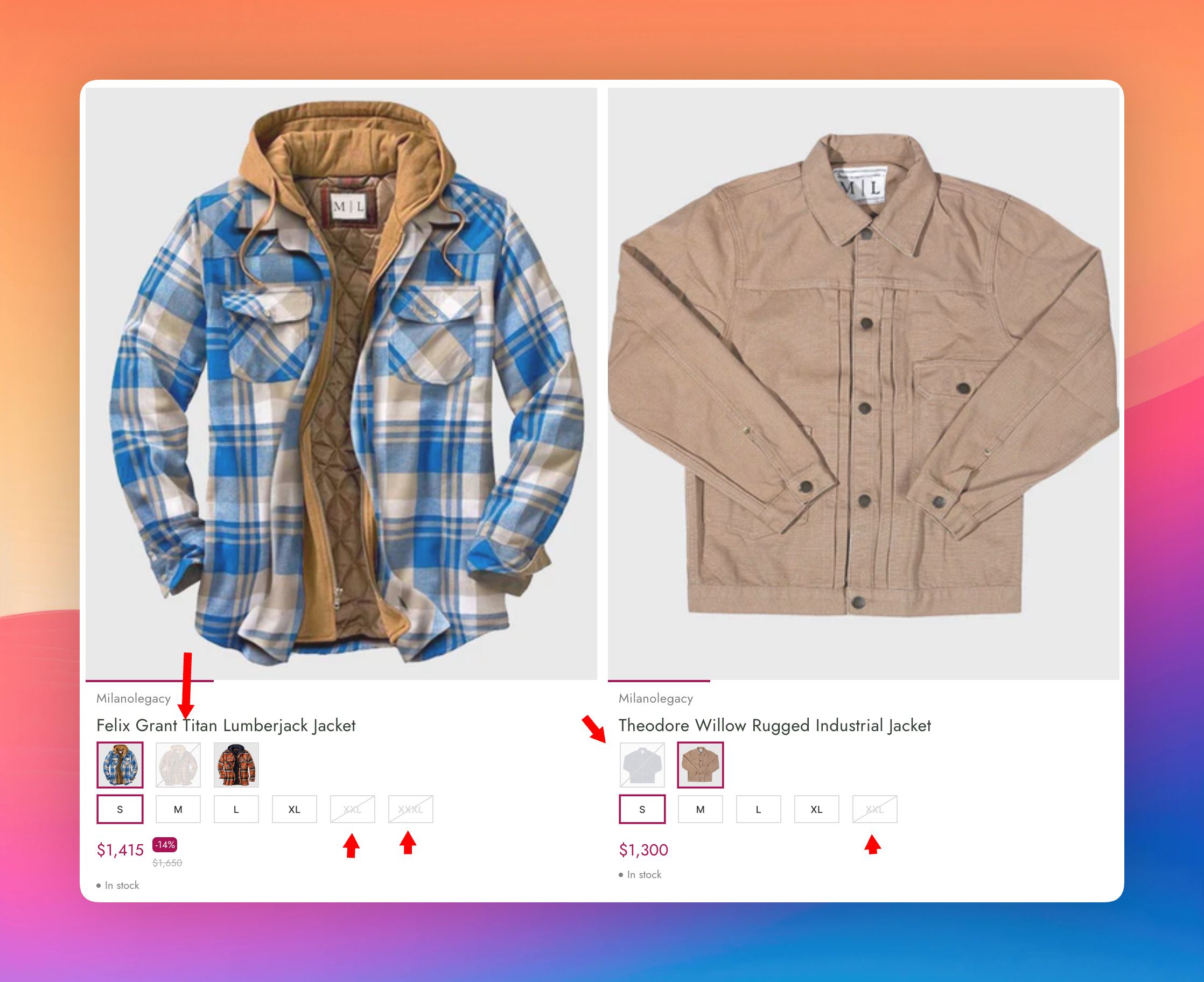
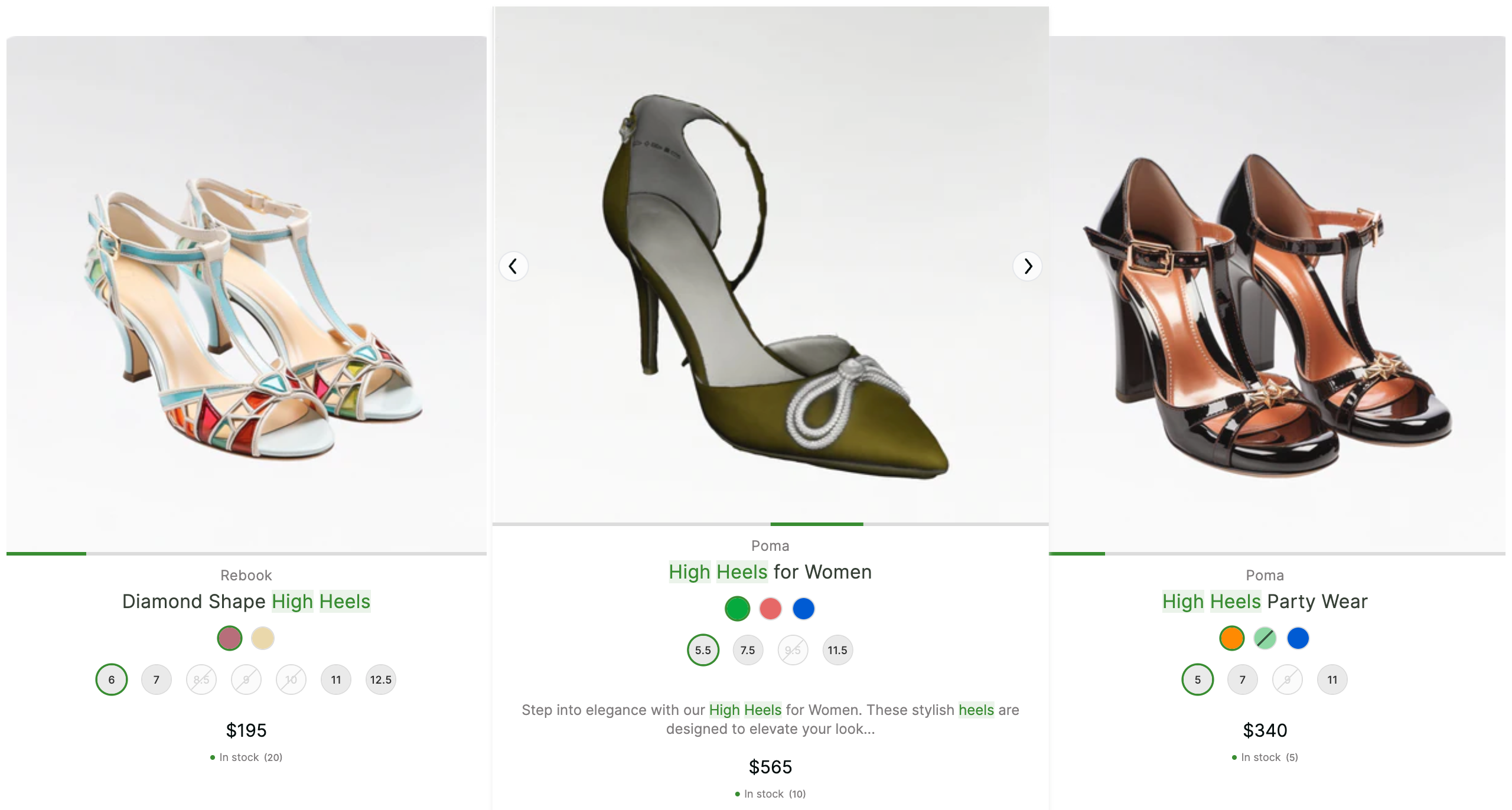
Just like the major e-commerce stores online, you’re now able to display variant images on each variant as a thumbnail. Showcase your products in the best possible way - regardless of whether it's colors, sizes, length, height, etc. Show them as images and increase sales!
Even in the Top bar:

How a product is displayed with variant images

How a product is displayed with variant colors

NEW!
The SKU codes and EAN codes also become searchable when displayed, ensuring that your visitors always find what they are looking for!

8 maj 2025

2025-05-08
NEW!
At M:AI Search, we’ve addressed the top 5 reasons why this happens, and also quite a few more…
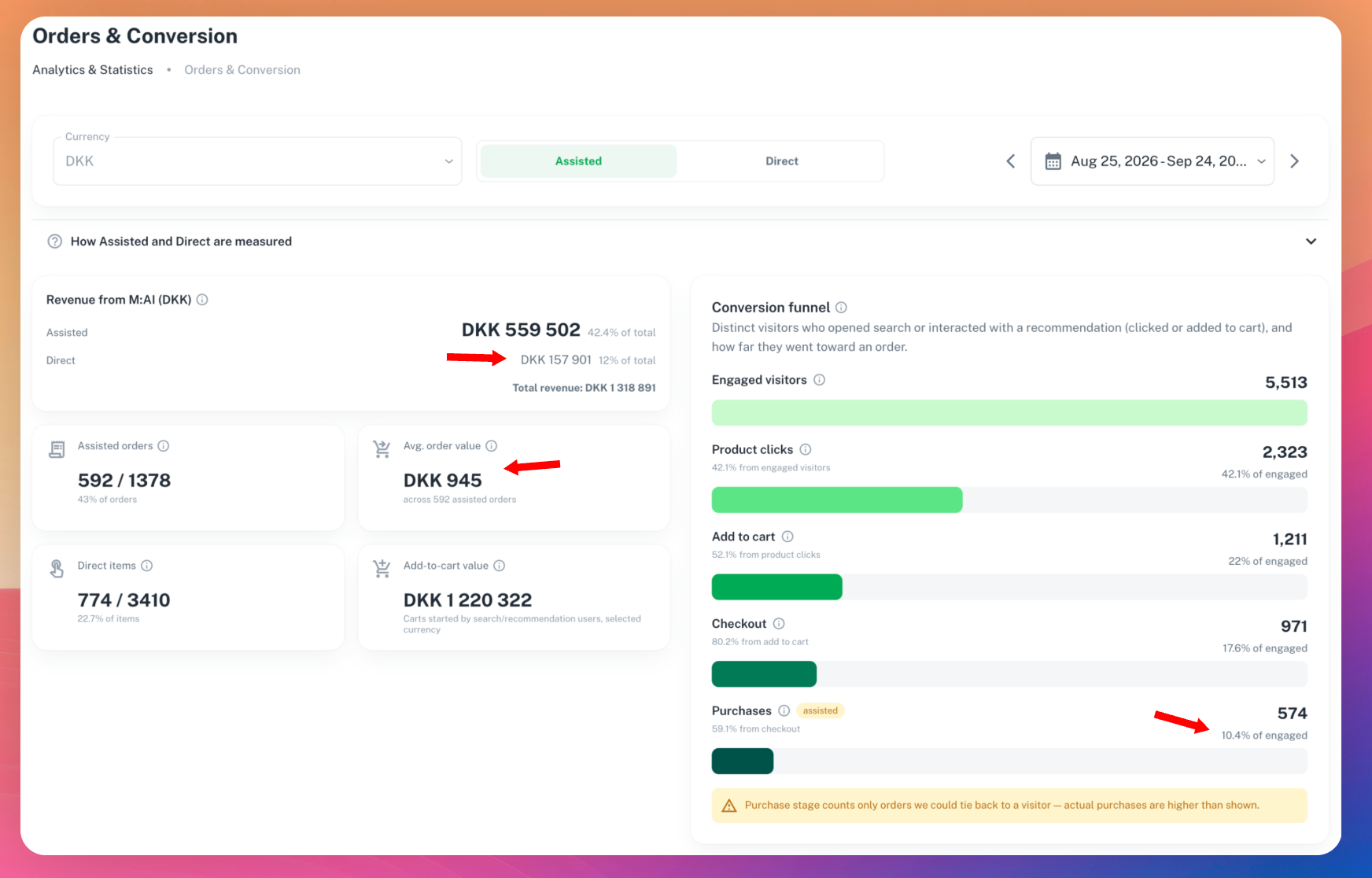
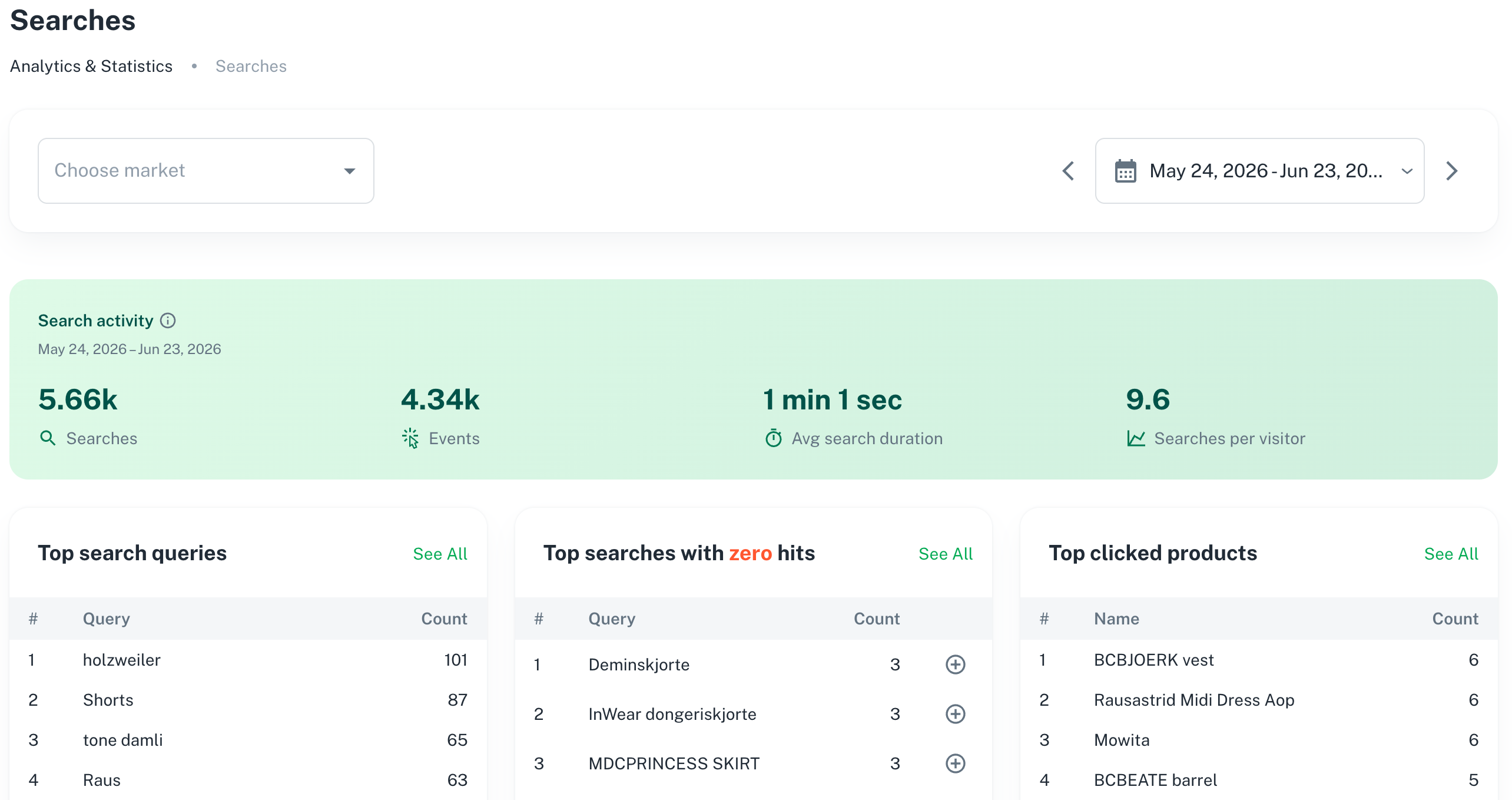
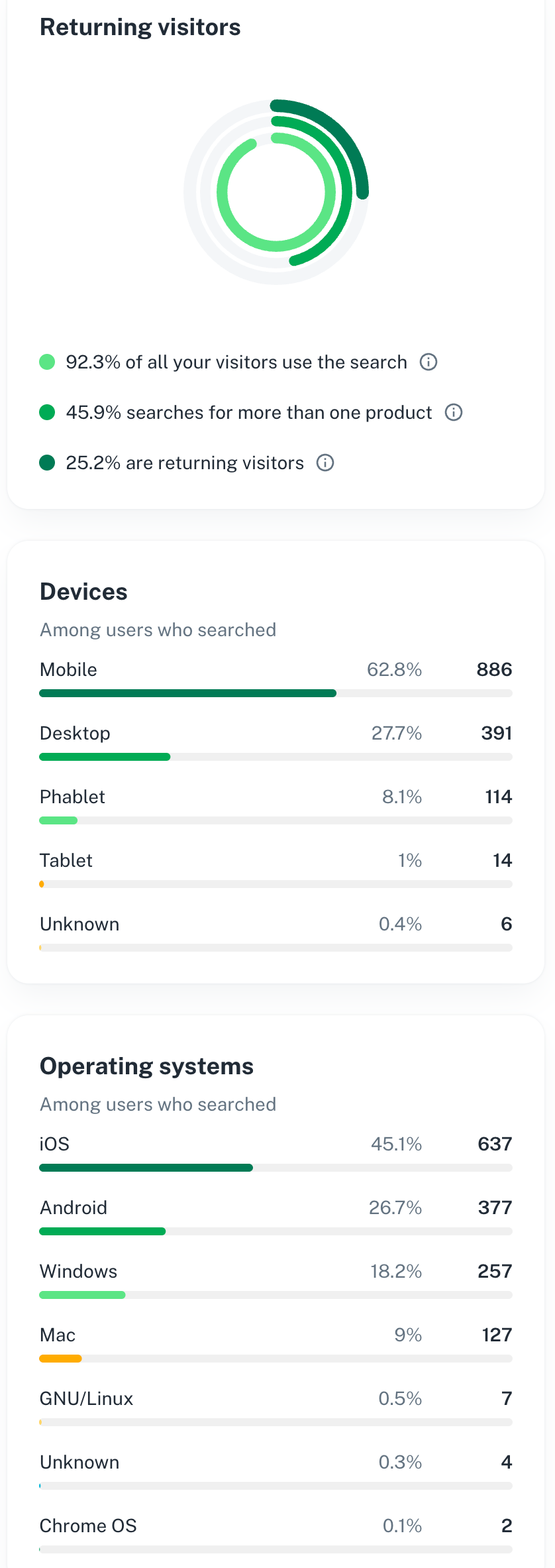
To prove that M:AI Search makes your visitors stay longer and actually find their products, which significantly increases the chance of them buying from you, we’ve poured our time into making the analytics part as extensive as possible within the boundaries of GDPR.
Some highlights:
Trending searches
Popular products
Popular filters
Popular brands & collections
Active users: what they are doing on the site, what they filter on, search on, and click on
How long the users stay each time
Top bar clicks


NEW!
M:AI Search has a really clean-looking UI from the start. With that said, being able to modify the design completely and make it pixel-perfect for your needs is always a plus.
We can create the customized design for you, you can hire a professional designer, or if you have knowledge of CSS, you’re able to create nearly any design you envision!
P.S. Primary colors, filter colors and text colors can be easily set with a few clicks.


Find additional info in the help center: https://support.meshnordic.ai/en/article/design-css-143esq8/
NEW!
Since Shopify and WooCommerce don’t natively support colors, we’ve now added an AI to set colors as well, relieving you from manually having to set each color. Now the colors are set for you automatically, a real time saver!
P.S. You’re still able to manually edit each color individually to get the perfect color you’d like. Both automatic and customizable.

Try a 21-day trial. When the trial ends, you'll continue with M:AI Free - at zero cost.
Install the M:AI Search app with 1 click and get a much more user-friendly search experience from the Shopify App Store:
https://apps.shopify.com/mesh-ai-search-discovery
Or, if you’re using WooCommerce, fill in your details and we’ll help you get started:
22 april 2025

2025-04-23
Enjoy an AI search experience that won’t slow down your store.
Products are updated in real-time, not after 24 hours.
Advanced filters with colors, sizes, images, buttons, etc.
Keywords highlighter + Stock status & Stock quantity.
Synonym keywords (AI and manual) + Smart product suggestions.
Try all features for free in a 21-day trial of M:AI Premium. When the trial ends, you'll continue with M:AI Free - at zero cost.
Download M:AI Search from Shopify app store:
11 februari 2025
Improved

2025-02-11
To stay ahead of our competitors we’ve built some really nice features, artificial intelligence, and designed a really user-friendly interface.
However, we also want M:AI to be even more affordable. That’s why we launch Free, the 100% FREE plan:
Try all features for free in a 21-day trial of M:AI Premium
When the trial ends, you'll continue with M:AI Free - at zero cost
No Credit Card is required
The Free plan includes:
Full screen search for products, categories, brands
Top product relevance
Intelligence, Sorting, Stock status
500 search requests/mon + maximum 1000 products
Enjoy M:AI in your Shopify or WooCommerce store without cost. We are honored that you’re considering M:AI. Let’s clarify why we offer our AI search as a free plan:
https://meshnordic.ai/why-free-ai


It’s based on Discord. Feel free to join us for easy contact, exchange ideas and get support:
https://discord.gg/vfMVfRk3eR

It should always be super easy to find information and step-by-step guides to M:AI. Find it on https://support.meshnordic.ai/
Chat with us directly in M:AI admin if you have any questions:

Our community is the best way to contact us. You can also call us, e-mail us, chat with us or book a demo!
Find us on https://meshnordic.ai/contact
10 december 2024
New

1 click to install. 1 click to activate and replace your old search with a brand new AI search.
21-days free trial. Automatically connected to Shopify’s payments.
Super user-friendly search experience, built for all industries!
Extremely relevant product results with neural search AI.
Advanced filters with colors, sizes, images, buttons etc.
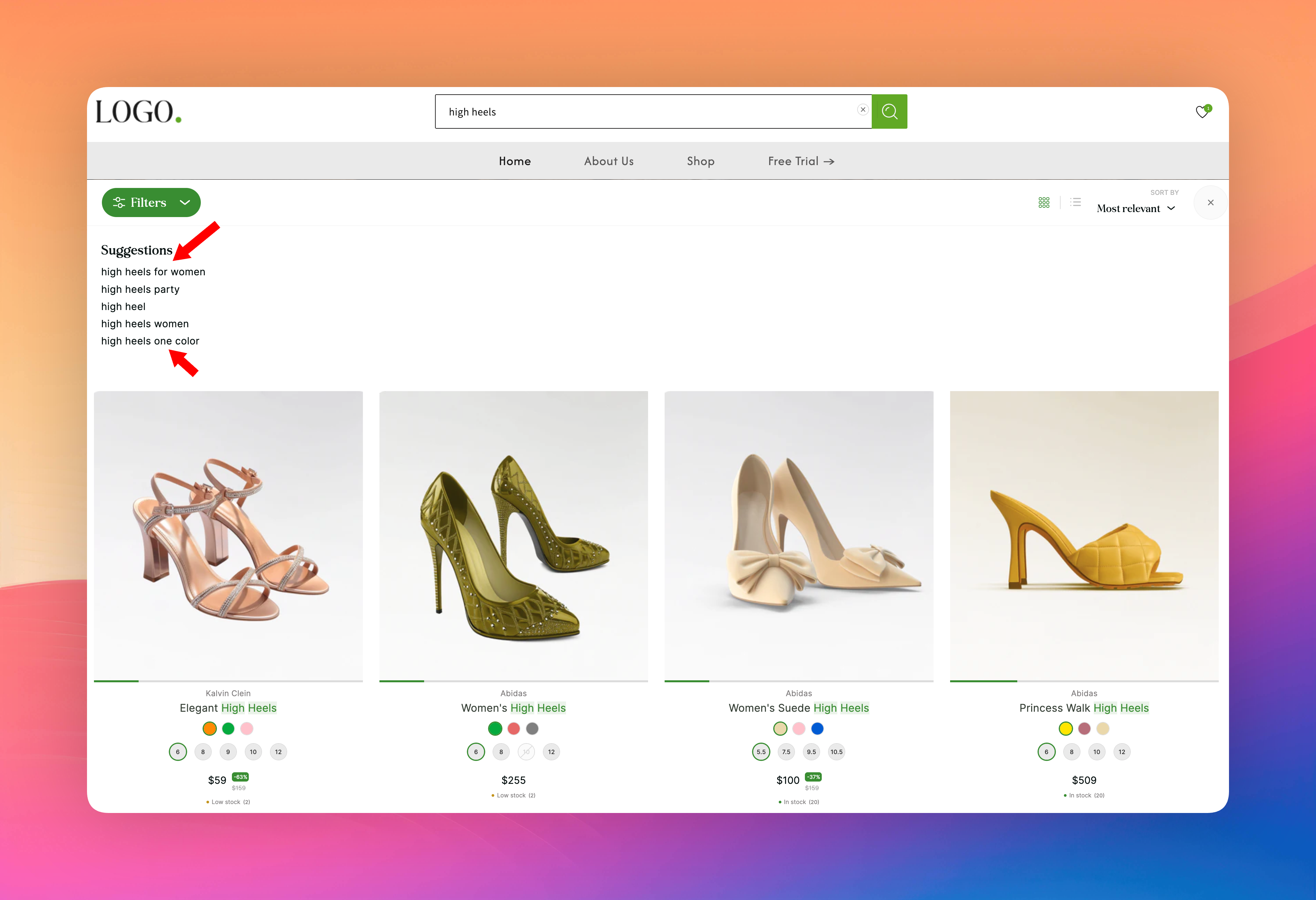
Help your customers with keywords highlighter and autocorrect spelling mistakes.
Both AI and manual synonym keywords and smart product suggestions.

Please try M:AI AI Search and rate it compared to the old search:
https://apps.shopify.com/mesh-ai-search-discovery
5 november 2024
New

The top bar is a completely new feature that really sets us apart from the rest of the search engines. By default, when no search is made, it shows “Newest arrivals” that most etailers want, but you can easily change this setting. Options include “Best deals” or “Lowest prices” depending on your needs.
During a search a maximum of 3 columns may be displayed. Also fully configurable with:
Up to 5 matching search suggestions
Matching categories
Matching brands
Popular searches

Read more in search settings in the help center.
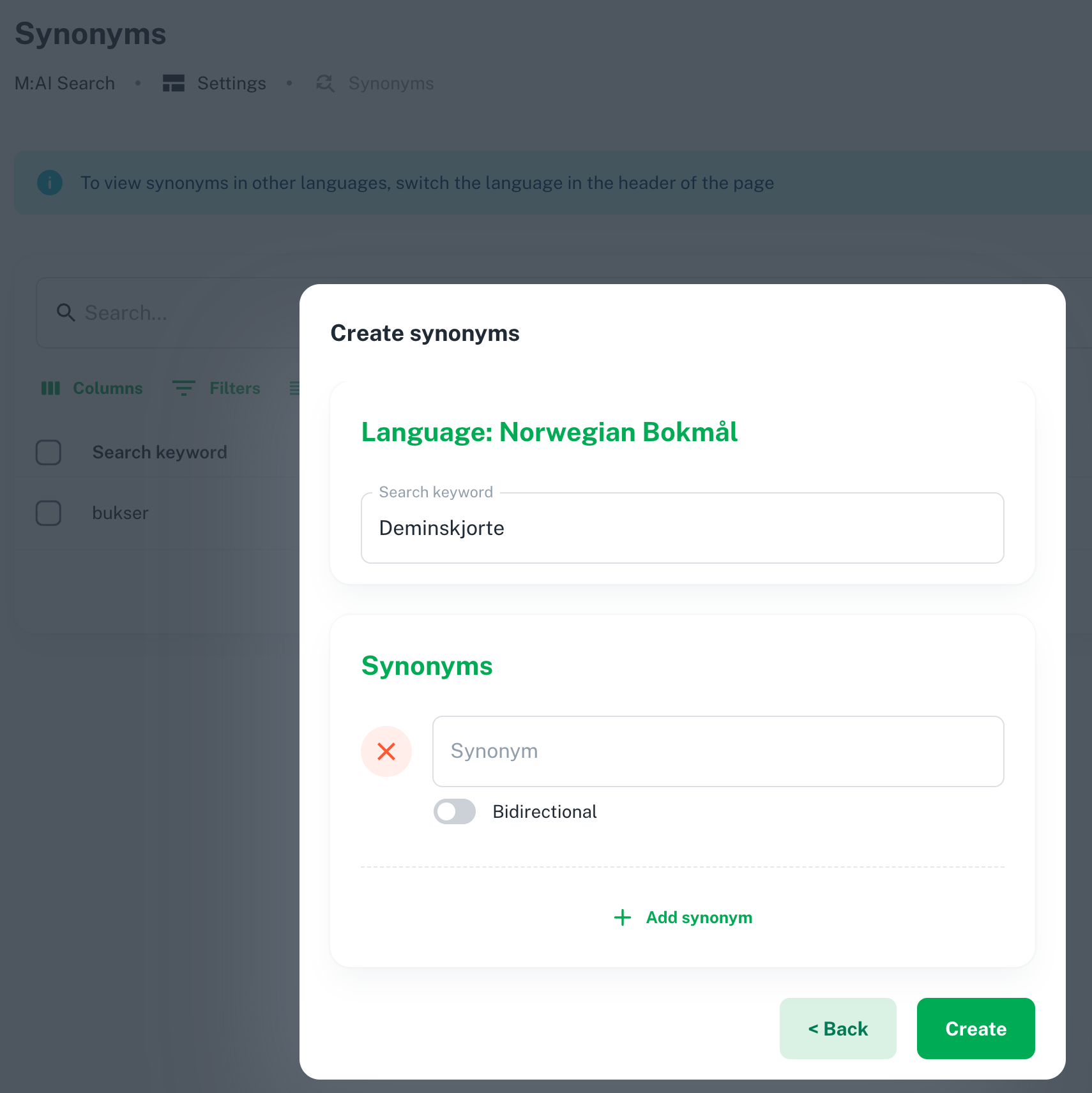
AI synonyms better understands the meaning behind each sentence and that “beautiful” could also mean “attractive” or “gorgeous”. This means M:AI AI search will better understand what the visitor wants. It can do this even if it’s not a direct match to their search.
Here is a screenshot of the synonyms added manually. The AI synonyms are not shown because the AI search engine is always learning and automatically adds new AI synonyms:

Read more in synonyms in the help center.
We’ve extended our currency and language support even more. Now fully supporting Shopify and WooCommerce, where each country is linked to its own currency and language.
VAT has now been moved, and a default VAT can be set for each country. For ecommerce integrations, the ecommerce platform determines this:

Read more in multilingual in the help center.
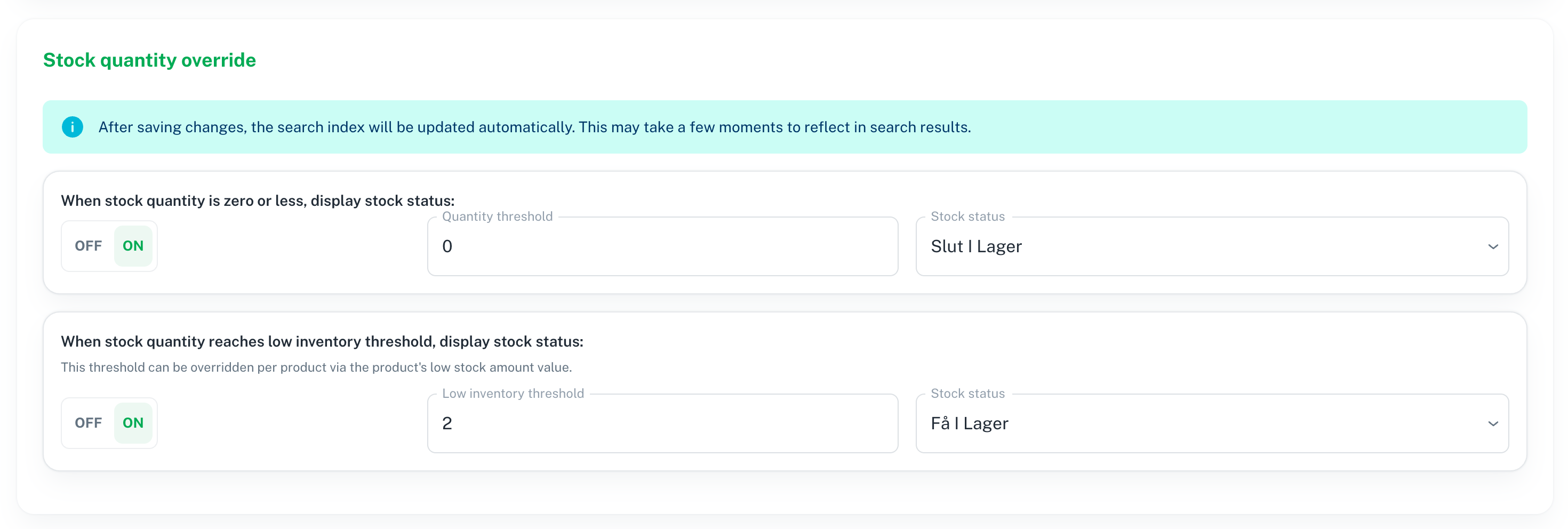
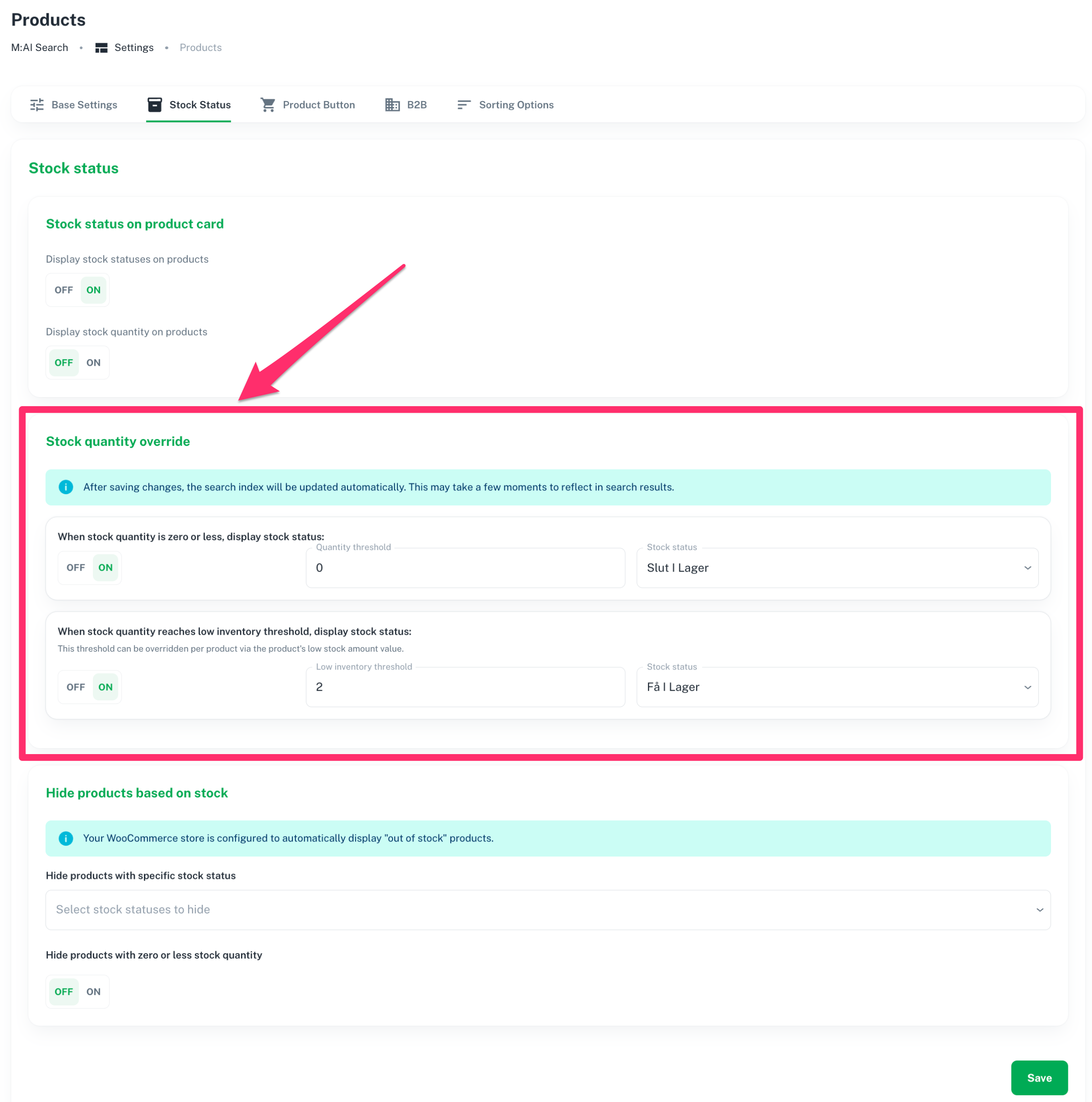
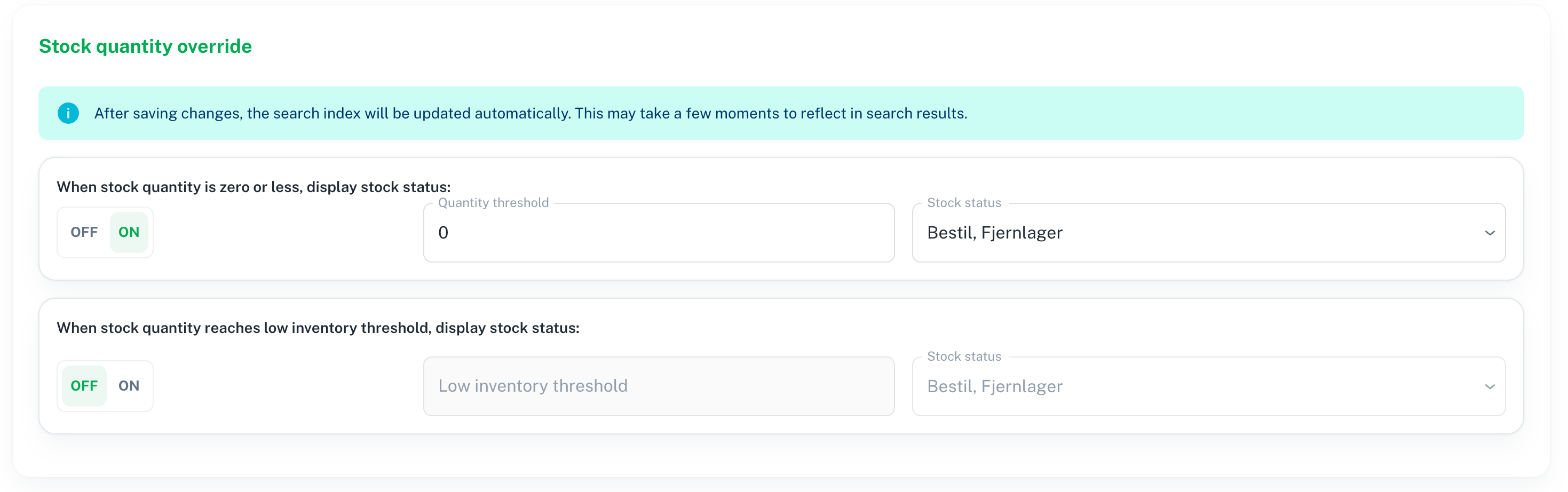
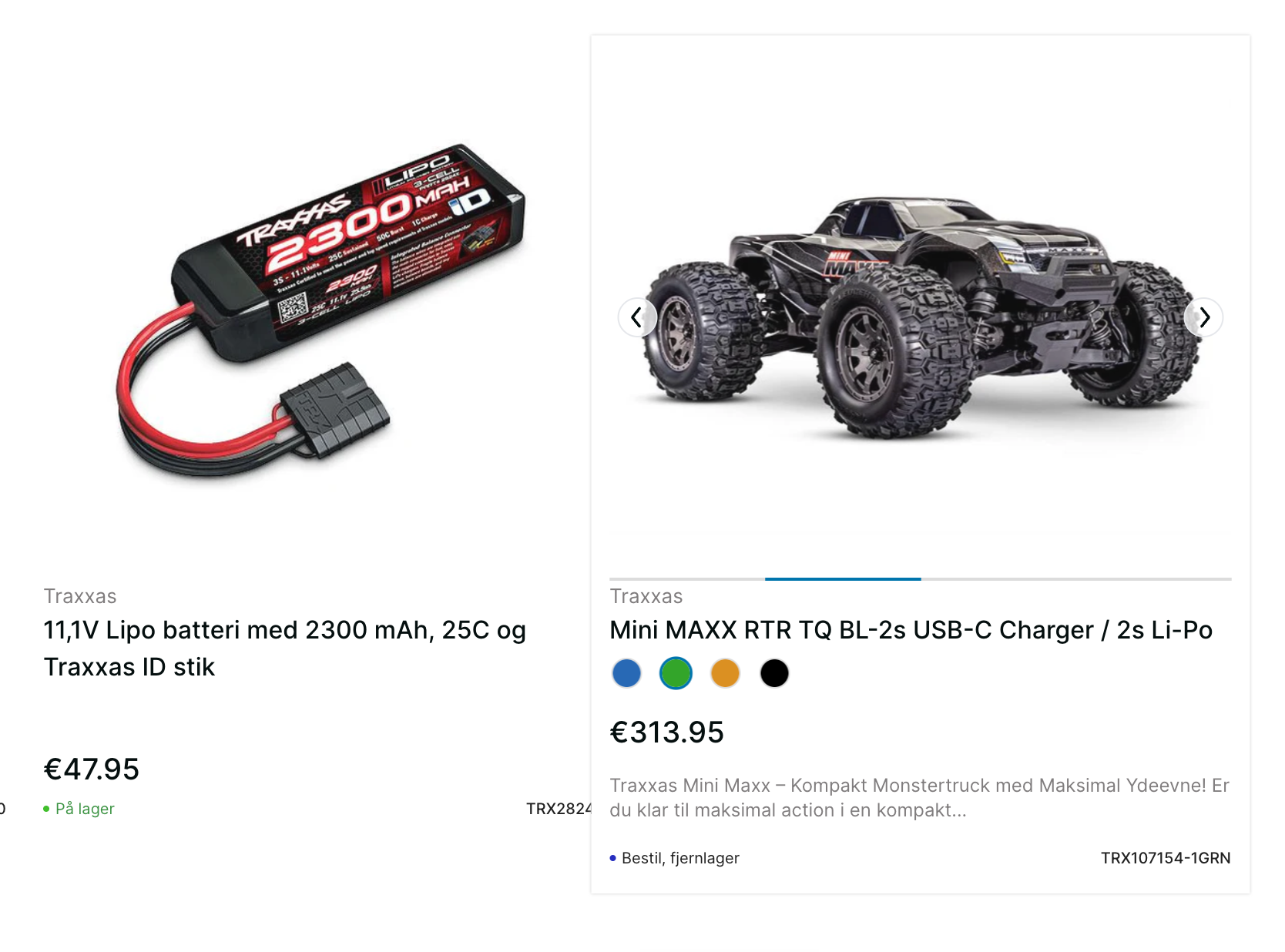
Stock status (ie. “In stock”, “Out of stock” etc.) can either be displayed or hidden with an ON/OFF button. If ON then stock quantity may also be displayed or hidden. Sometimes you want to display the exact number of products and variants in stock, and sometimes you don’t. All depending on your industry and competitors.
The sort order of variants are determined by the ecommerce platform, ie. Shopify or WooCommerce, but filters may be sorted individually depending on popularity. Now it’s easy to sort each filter’s values: